 Sports Edit
How to mark first half and second half in Soccer
Use half markers so the timeline matches the structure of the match.
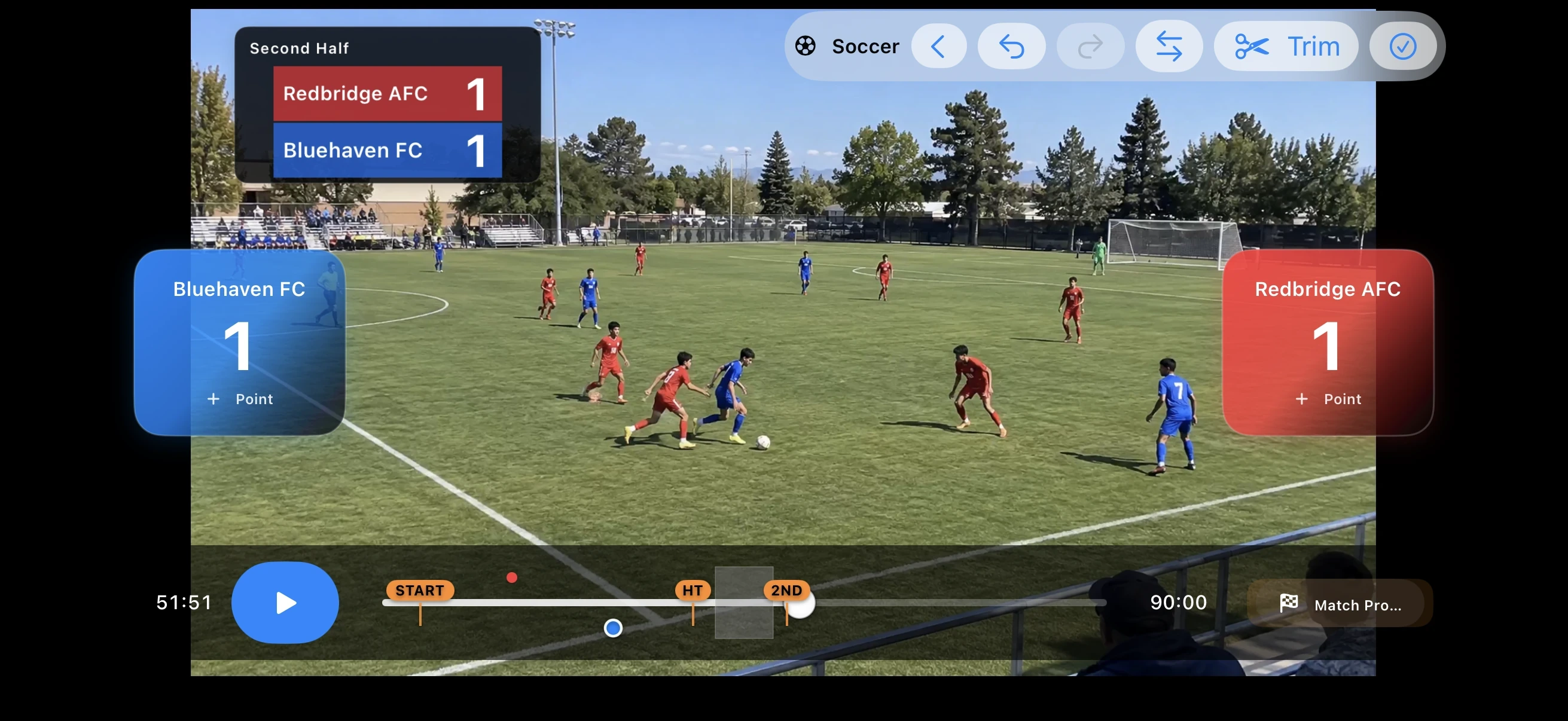
Simple workflow
- Open Sports Edit and choose the recorded match video.
- Choose Soccer and set the match information you need.
- Play the video and add scoring events or set the trim range at the correct moments.
- Preview the result and export the finished video.
Useful tips
- Keep team names short enough to stay readable.
- Review scoring moments on the timeline before export.
- Trim long unused sections before final checking.
Soccer
Use half markers so the timeline matches the structure of the match.